Open source · 2026
An in-browser tool that reads the hidden tags behind "AI info" labels
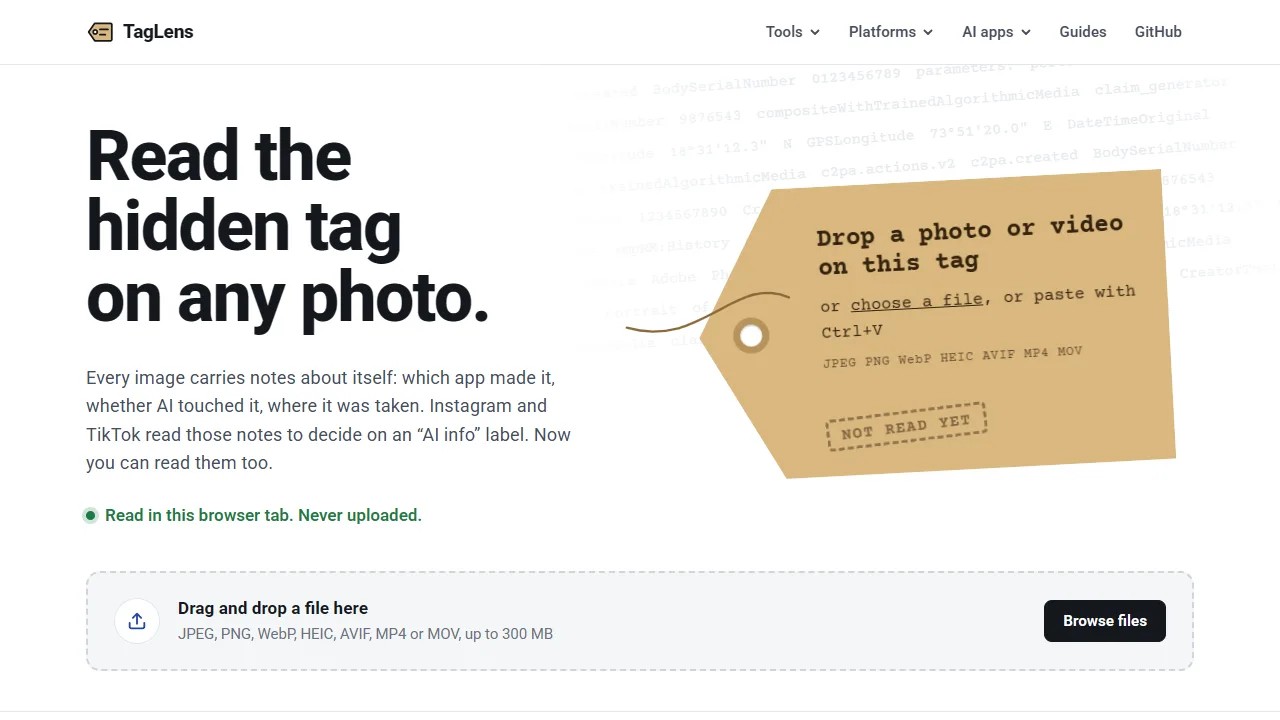
A free, open-source tool that shows why a photo gets an "AI info" label. It reads Content Credentials (C2PA), IPTC AI fields and EXIF in your browser, explains what Instagram, TikTok and others will see, and removes private data like GPS location without uploading the file.
- For
- Open source
- Role
- Design and engineering
- Year
- 2026
- Industries
- Developer Tools, AI & Automation
Overview
Photos now carry notes about themselves: which app made them, whether AI touched them, where they were taken. Platforms read those notes to decide whether to show an "AI info" label, but the people posting the photos cannot see them.
TagLens reads those notes in the browser and explains them in plain words. It also removes the private parts, like GPS location and camera serial numbers, while keeping the AI disclosure by default.
The problem
- Creators get an "AI info" label and have no way to see which field in the file caused it.
- Photos leak location and device details that most people never meant to share.
- Most metadata tools upload your file to a server to read it.
What it had to do
- Nothing is uploaded: every file is read and cleaned on the device.
- Say which field and which app caused a label, in plain language.
- Remove private data without re-encoding the image, so there is no quality loss.
- Be honest about limits, such as invisible watermarks no file reader can see.
How I built it
Read the standards, not guesses
The official C2PA reader runs as WebAssembly in the page, alongside an EXIF and XMP parser. TagLens maps the IPTC DigitalSourceType values to plain-language verdicts.
Clean at the byte level
The cleaner walks the JPEG, PNG and WebP containers block by block and drops only the chosen metadata. The image data is copied byte for byte, and colour profile and orientation are kept.
One engine, many tools
Ten tool pages, five platform pages and five AI-app pages all share one engine with different presets, built as a static Astro site with no server.
What shipped
- A checker that reads Content Credentials, IPTC AI fields, EXIF, XMP and AI prompts saved in PNG files.
- A cleaner for JPEG, PNG and WebP, including a location-only option.
- Per-platform notes on how Meta, TikTok, YouTube, LinkedIn and X handle AI labels.
- 27 static pages, including three guides.
What came of it
- Live at taglens.vivekbhange.tech and open source under the MIT licence.
- The file never leaves the browser; you can check this in the network tab.
What it does not do
- It does not remove AI labels or AI disclosure; it keeps them by default.
- It cannot see invisible watermarks such as Google SynthID, which live in the pixels.
- Cleaning works for JPEG, PNG and WebP only.
Built with
Useful?
Have something like this to build?
Built by Vivek Bhange, Full-Stack AI Engineer in Pune, India. Open for freelance and collaboration.
More work
See all work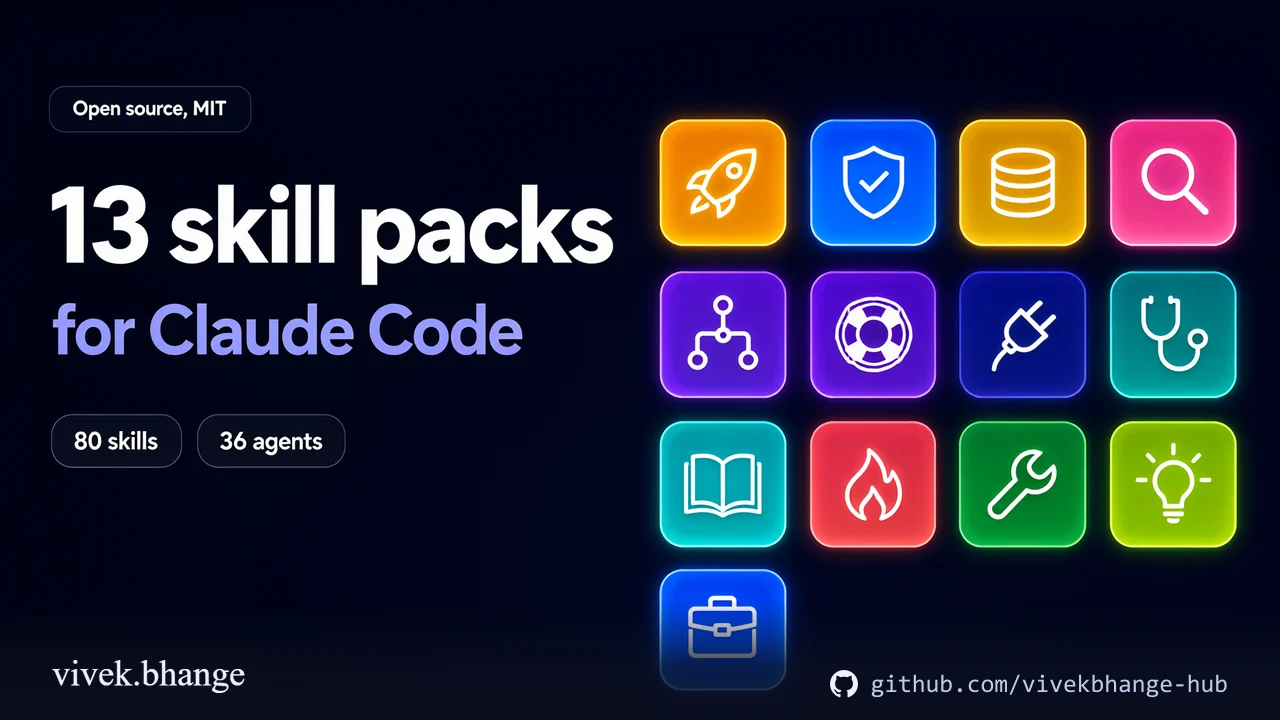
Open source · 2026
Thirteen open-source skill packs that make Claude Code check its own work
Thirteen open-source skill packs for Claude Code, MIT licensed, with 80 skills and 36 agents.
- Developer Tools
- AI & Automation
Smart India Hackathon 2025 · 2025
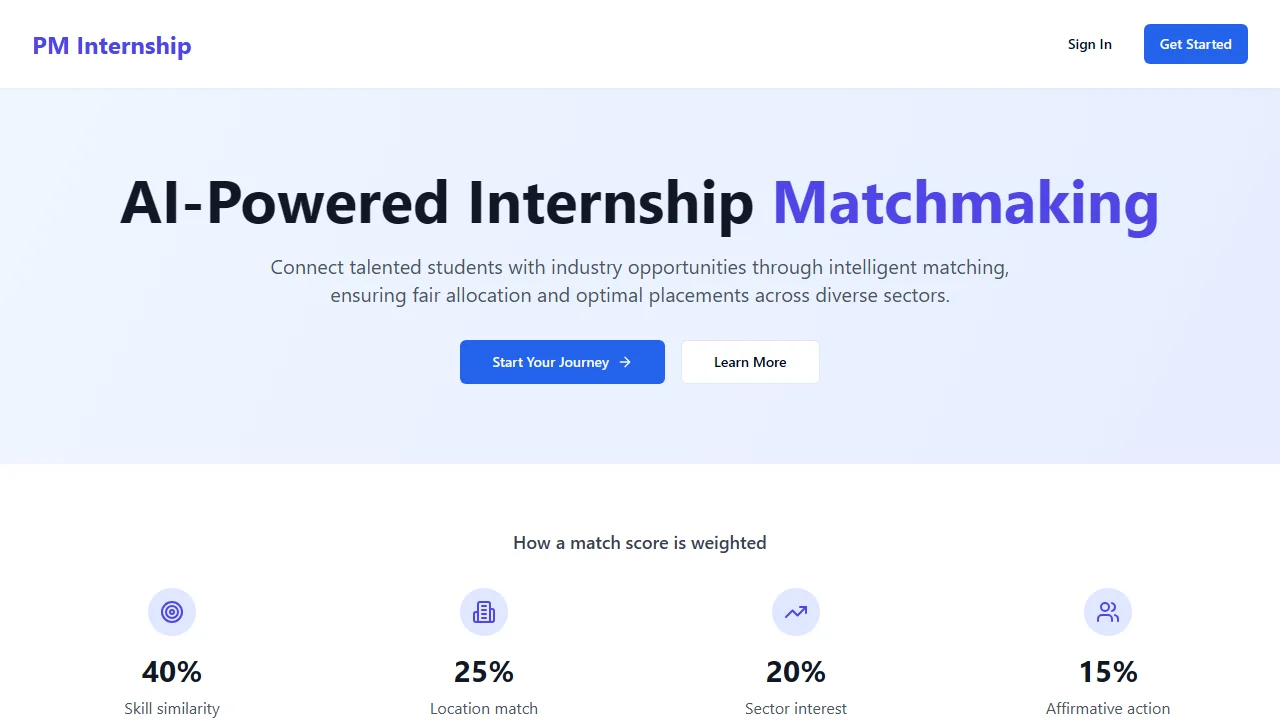
Matching students to internships fairly, with a reason for every match
A matching platform built for the Smart India Hackathon 2025 PM Internship Scheme problem statement.
- AI & Automation
- Public Sector
- Education
Personal · 2025
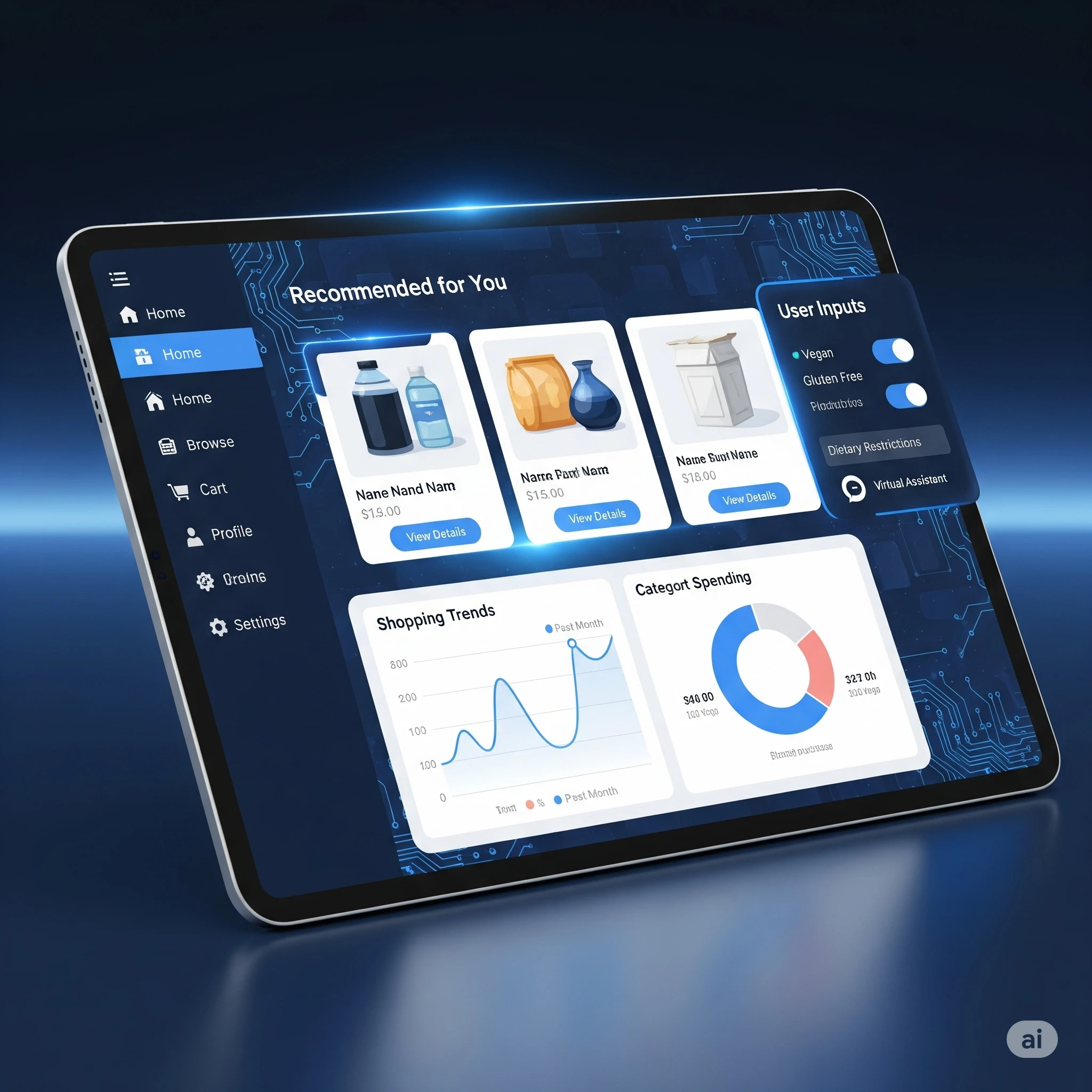
A content-based product recommender small enough to read in one sitting
A small recommender that suggests the three products most similar to the one you pick.
- AI & Automation